Compilation Playbook
Run this playbook after simulation to build analysis-ready outputs for charts, spatial views, and reports.
Document Control
| Field | Value |
|---|---|
| Author | Geraldson Muluh |
| Owner | GCBM Assistant maintainers |
| Audience | Model operators and analysts |
| Last reviewed | 2026-03-27 |
| Review cadence | Monthly |
Prerequisites
- A completed simulation run exists.
- Project includes
gcbm_project/output/. - GCBM Assistant opens the Compile page.
Inputs Required
- Project directory containing simulation outputs
- Output database name
- Spatial compilation option selection (include TIFF outputs or not)
Procedure
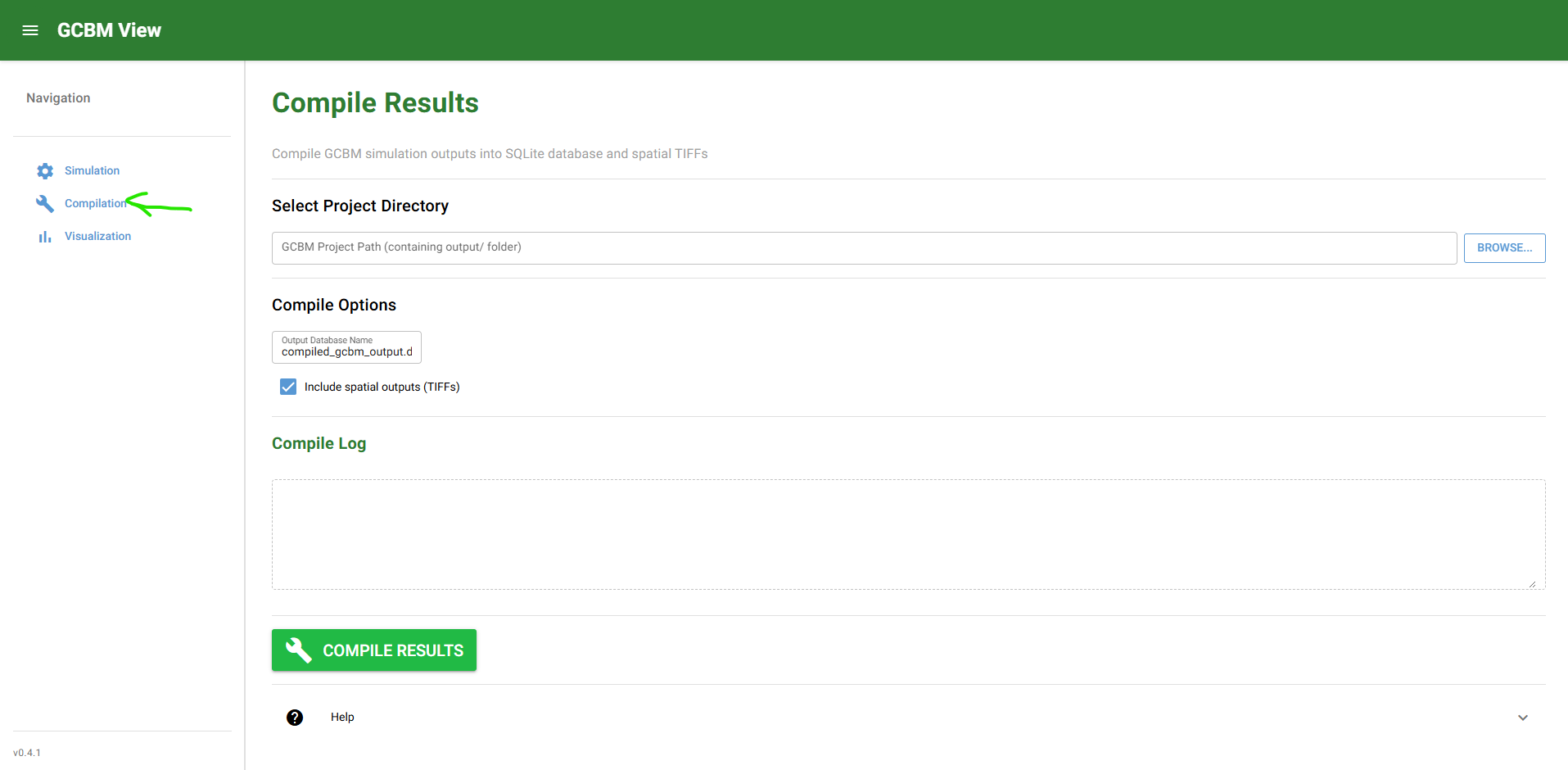
Step 1: Select Project Output
- Open Compile.
- Select the simulation project directory.
- Confirm source output paths are detected.
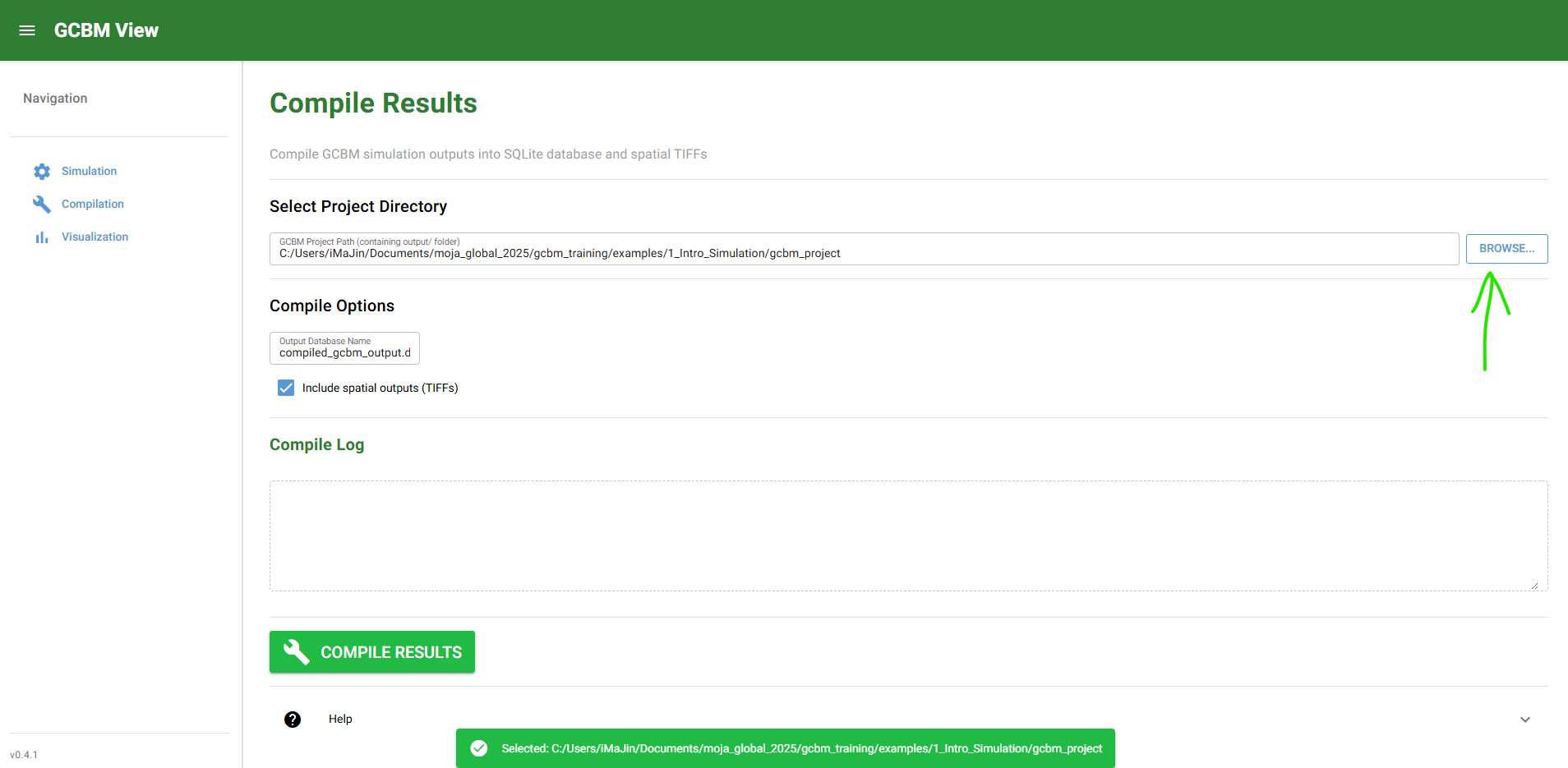
Step 2: Configure Compilation Options
- Set target compiled database name.
- Enable spatial TIFF generation if map visualization is needed.
- Review output destination.
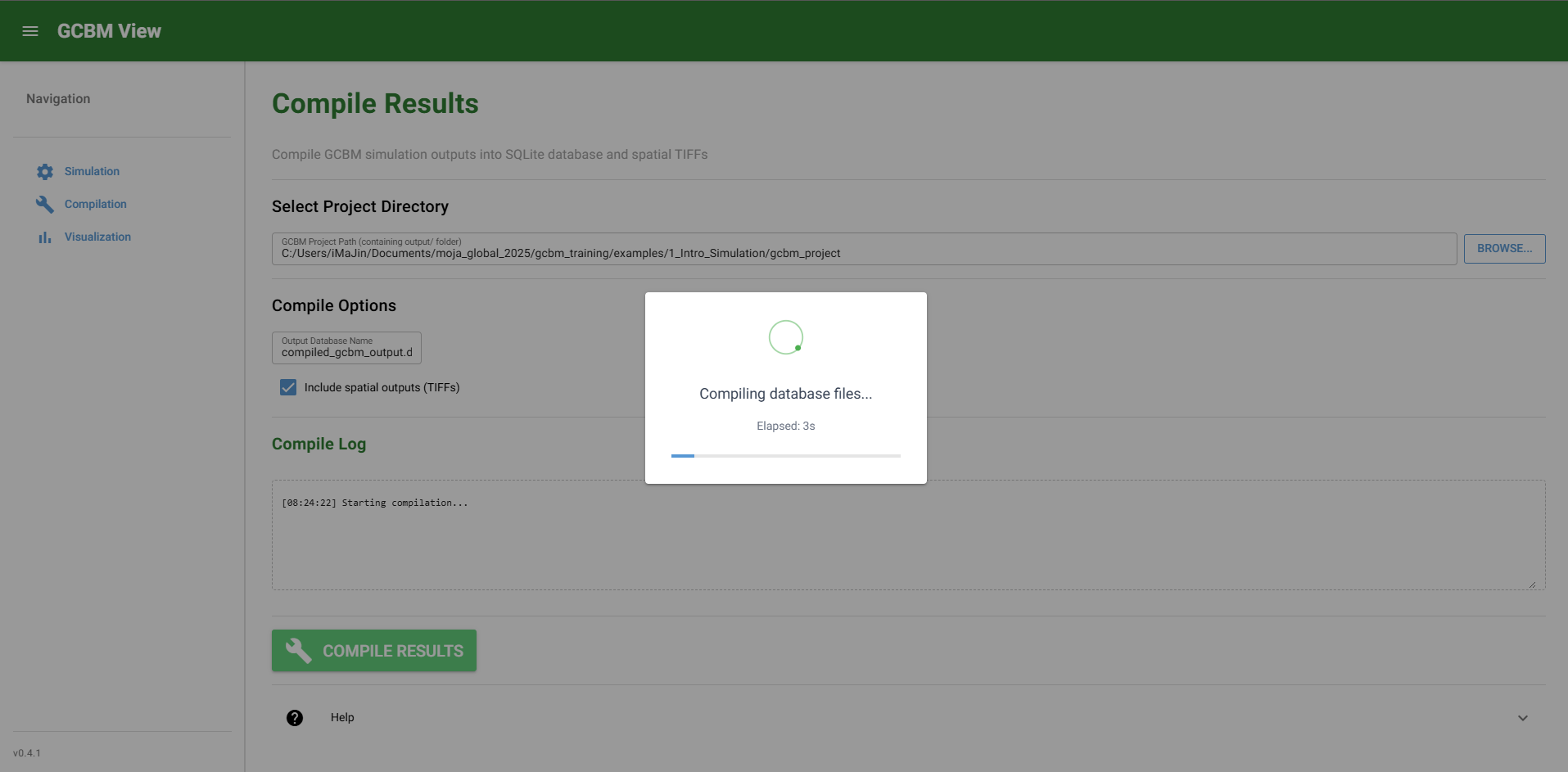
Step 3: Run Compilation and Verify
- Start compilation.
- Wait for completion and success notification.
- Verify generated artifacts.
Expected Outputs
Compilation should create:
gcbm_project/processed_output/compiled_results.db(or selected DB name)gcbm_project/processed_output/config/metadata and compiled configuration- optional
gcbm_project/processed_output/spatial/*.tifwhen spatial output is enabled
Validation Checks
- Compiled DB exists and is non-empty.
- Expected views/tables are queryable in the DB.
- Spatial TIFF directory exists when enabled.
Failure Modes and Recovery
| Failure mode | Typical cause | Recovery |
|---|---|---|
| Compile starts but fails | Missing simulation outputs | Confirm simulation finished and outputs exist |
| DB generated but charts are empty later | Wrong or incomplete source run | Recompile from correct run directory |
| Spatial map is blank later | TIFF output not generated | Recompile with spatial output enabled |
Run Specifics and Auditability Checklist
Record these items for each compile run:
- Source simulation path and run identifier
- Compile timestamp
- Output DB filename and path
- Spatial output flag (enabled or disabled)
- Number of generated TIFF files (if enabled)
- Compilation log/result status